How to contact someone new on WhatsApp by username
WhatsApp allows users to contact new people and businesses using a username instead of a phone number. To do this, you need to know the exact username of the person you want to contact. If they set up a username key, you will need that too before you can start a conversation.
WhatsApp is gradually rolling out usernames. This feature is not widely available yet. This rollout should not be considered a global launch yet. In the meantime, you can reserve your username.
What you need before you start
To contact someone new on WhatsApp by username, you need to know their exact username. Partial usernames do not work: the search only returns a result if you type the full username correctly. If the person has set up a username key, you will also need that before you can open a chat with them. Without the username key, WhatsApp will not let you start a conversation with that person via username.
How to start a chat with someone's username
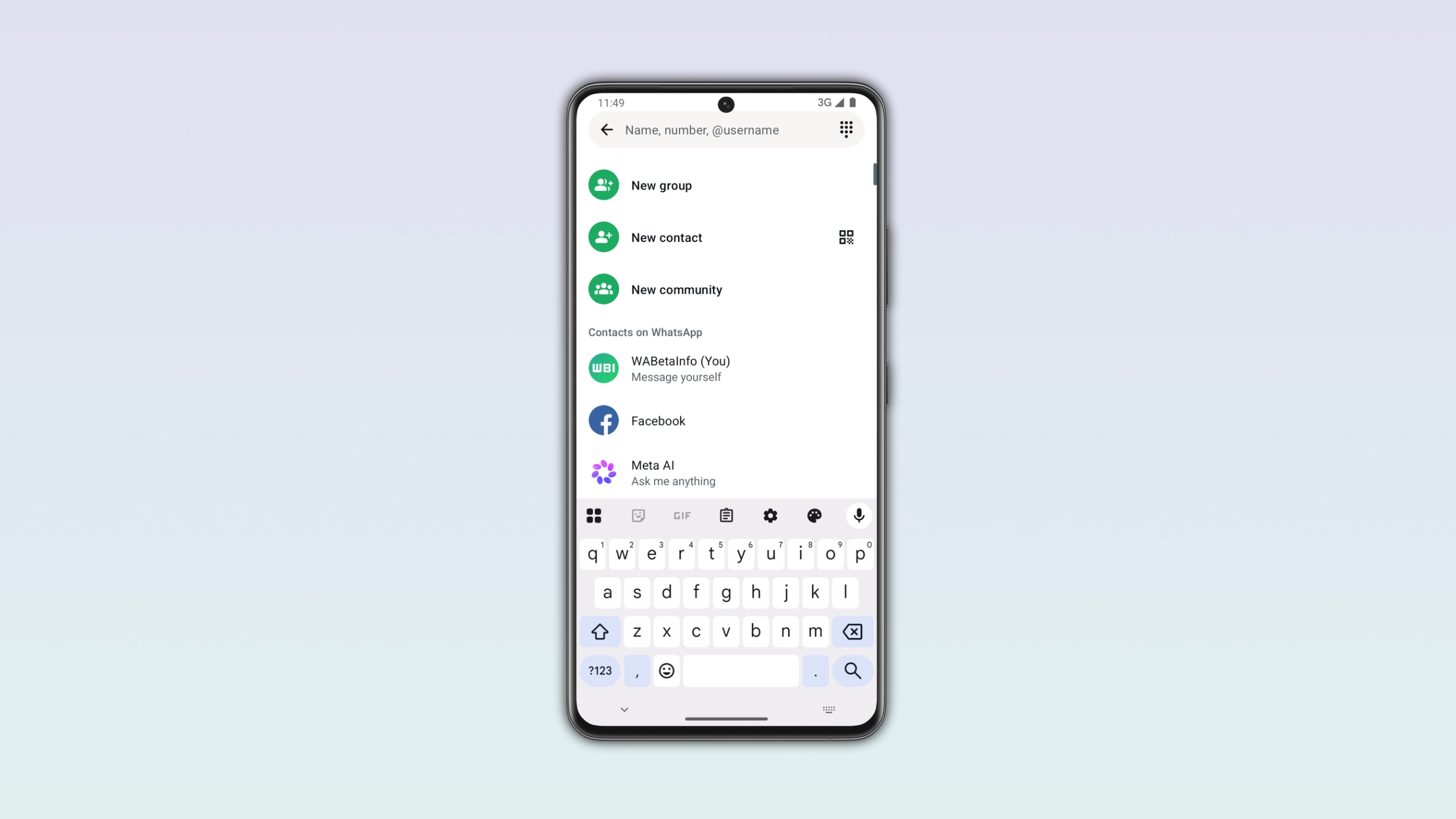
Open WhatsApp and tap the icon to start a new conversation within the Chats tab. Here, tap the search bar. Type the person's full username exactly as they shared it with you. If the username exists on WhatsApp, their profile will appear in the results. Tap their username to open the chat and start a conversation.
What to do if the contact has a username key
Some users set up a username key for added privacy. If the person you are trying to contact has one, WhatsApp will ask you to enter it before you can proceed. Tap Next after entering the key to continue. If you do not know their username key, you will not be able to contact them through their username. In that case, you will need to ask them for the key directly through another channel.
What you can see in the chat
Once you open a chat with someone via username, you will see their username at the top of the conversation. If you do not have their phone number saved in your contacts, it will not appear in the chat. Note that you can also see a contact's username if you already know their phone number.