WhatsApp launches a search shortcut for chats and channels
WhatsApp is rolling out a search shortcut for chats and channels on iOS, making it faster to search for messages without leaving the conversation. The button is located at the top of the chat screen, just below the navigation bar. With one tap, users can now activate search mode directly from the conversation.
| Key Points | Details |
|---|---|
| Feature: | Search shortcut for chats and channels |
| Status: | Rolling out |
| Compatibility: | WhatsApp Messenger for iOS 26.36.74 on the App Store is a compatible update. |
| Availability info: | This feature is available to some users, and it is rolling out to more people over the coming weeks. |
| Previous news: | WhatsApp expands voice transcription languages on Android! |
WhatsApp was developing an in-chat search shortcut
In the post about the WhatsApp beta for iOS 26.31.10.70 update, we announced a new search button for the chat interface. Without this button, users who want to search for a message within a conversation have to open the chat info screen. Here, they need to tap the search button, and WhatsApp redirects them back to the chat in search mode. The new button would let users activate search mode directly from the chat, without going through these additional steps.
WhatsApp is bringing the search shortcut to chats and channels
We reported this feature in August, and it is finally ready for release. WhatsApp worked on refining the experience before making it available. The result is a shortcut that does exactly what it promises in one tap. We discovered this feature with the WhatsApp Messenger for iOS 26.36.74 update, which is available on the App Store. With this update, WhatsApp is bringing the search shortcut to the chat interface. Both chats and channels support this shortcut, so users can search for messages in any conversation without leaving it.
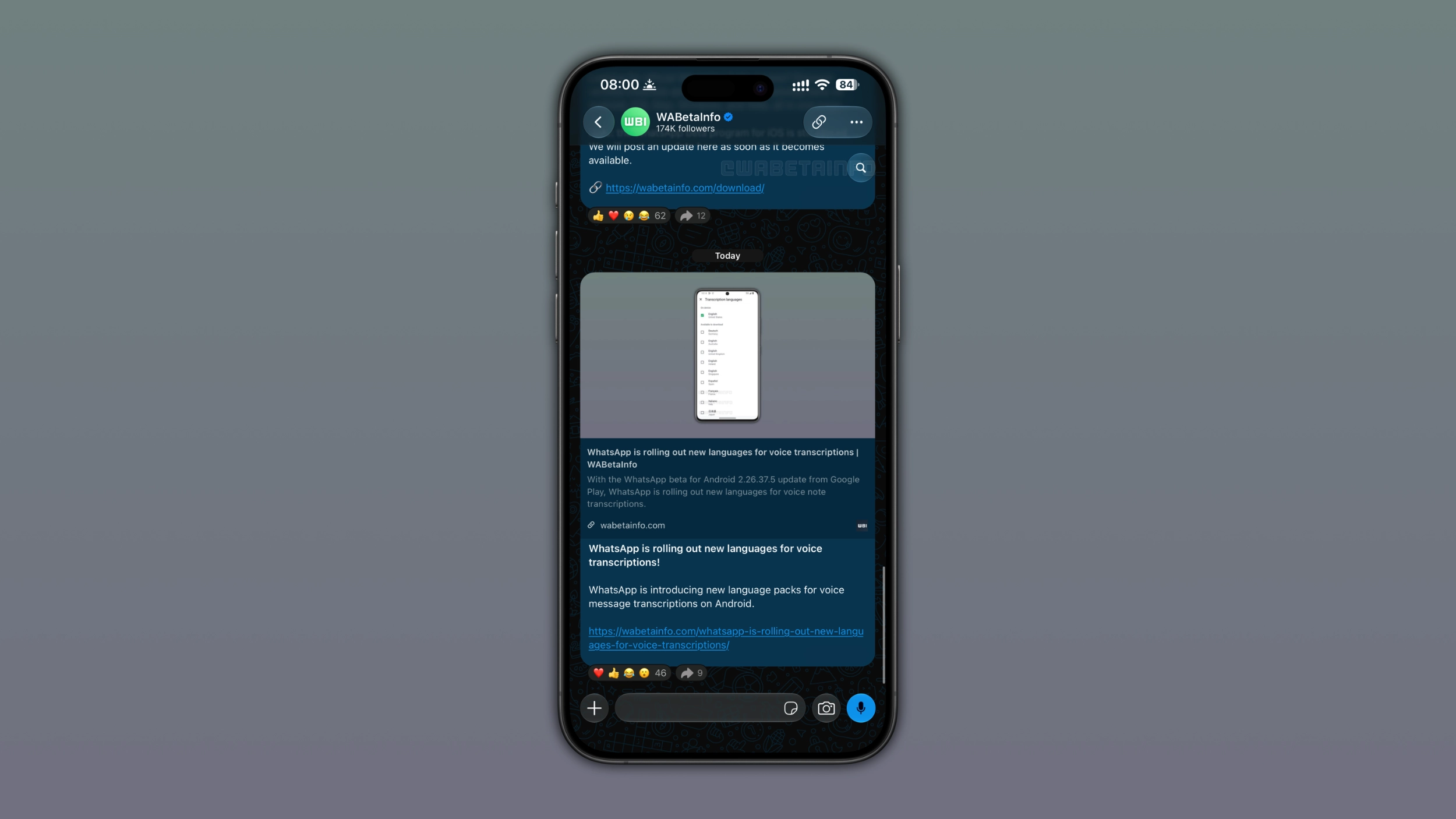
How to find the new search button
The new search button appears at the top of the screen when users scroll up through the conversation. When users return to the bottom of the chat, the button disappears again. It shows up contextually, only when it is useful. Users who see the button can tap it to activate search mode directly within the conversation. As soon as users enable search mode, they can type a keyword and find matching messages without leaving the chat. The search mode works just like the existing one, so users who are already familiar with it will not have to learn anything new.
How the new position compares to the original design
In the original design we reported in August, the search button appeared at the bottom of the screen. Before releasing it to users, WhatsApp decided that placing the button at the top of the screen works better. It is only visible when users scroll up through the chat interface, and it disappears as soon as users scroll back down. This also avoids any conflict with the other button placed at the bottom of the screen.
How the search shortcut works in channels
WhatsApp is not limiting the search shortcut to individual and group chats. WhatsApp is also rolling it out for channels, where it appears in the same position below the navigation bar. Users who want to search for updates no longer need to open the channel info screen to activate search mode. The shortcut makes it just as easy to search within a channel as it is to search within a chat. This is useful for channels that post frequently, where older updates may be hard to find manually.
Why the shortcut makes searching faster than before
Before this update, users who wanted to search for a message within a chat had to open the chat info screen. Then, they had to tap the search button. WhatsApp would send them back to the chat in search mode. With the new shortcut, users can directly start a search without leaving the conversation. This makes it simpler to search at any moment, whether users are in the middle of a conversation or scrolling through older messages.
WhatsApp is rolling out the search shortcut to iOS users
This feature is available to some users who install the latest update from the App Store. WhatsApp is rolling it out gradually, so not every user will see the button immediately. If the new shortcut does not appear yet below the navigation bar, it should become visible to more accounts over the coming weeks. WhatsApp has not announced when this shortcut will be available to everyone.
Connect with WABetaInfo
Follow WABetaInfo on X and visit our About page to learn more about what we do. We always appreciate your feedback on posts like this one.