WhatsApp beta for iOS 24.21.10.74: what's new?
WhatsApp has just submitted a new update through the TestFlight beta Program, bringing the version up to 24.21.10.74.
What's new in this update? WhatsApp is rolling out a feature to view previously seen status updates from the chats tab, and it's available to some beta testers!
| Common questions | Answers |
|---|---|
| Name of the feature? | Status updates - chats tab |
| Status? | Rolling out |
| Compatibility? | WhatsApp beta for iOS 24.21.10.74 is a compatible update, but some users might experiment with the same changes by installing certain previous updates, including App Store releases. |
| I have the same version but I don't have this feature, why? | This feature is available to some users and it's rolling out to more people over the coming days. |
| Thanks: | Akan, for testing and reporting. |
| Previous news? | WhatsApp beta for Android 2.24.22.2: what's new? WhatsApp is rolling out a feature to view previously seen status updates from the chats tab! |
STATUS UPDATES - CHATS LIST
In the article about the WhatsApp beta for Android 2.24.22.2 update, we announced that WhatsApp is rolling out the ability to view previously seen status updates from the chats tab. This feature builds on the earlier functionality, where users could see a ring around a contact's profile picture when a new status update was shared. With this update, the ring turns grey once the status has been seen, allowing users to revisit the status update directly from the chats tab. It appears that WhatsApp now intends to offer iOS users the same opportunity to experiment with this enhancement for status updates, as it already does for the Android version. Thanks to the latest WhatsApp beta for iOS 24.21.10.74 update, which is available on TestFlight, we discovered that WhatsApp is rolling out a feature to view previously seen status updates from the chats tab!
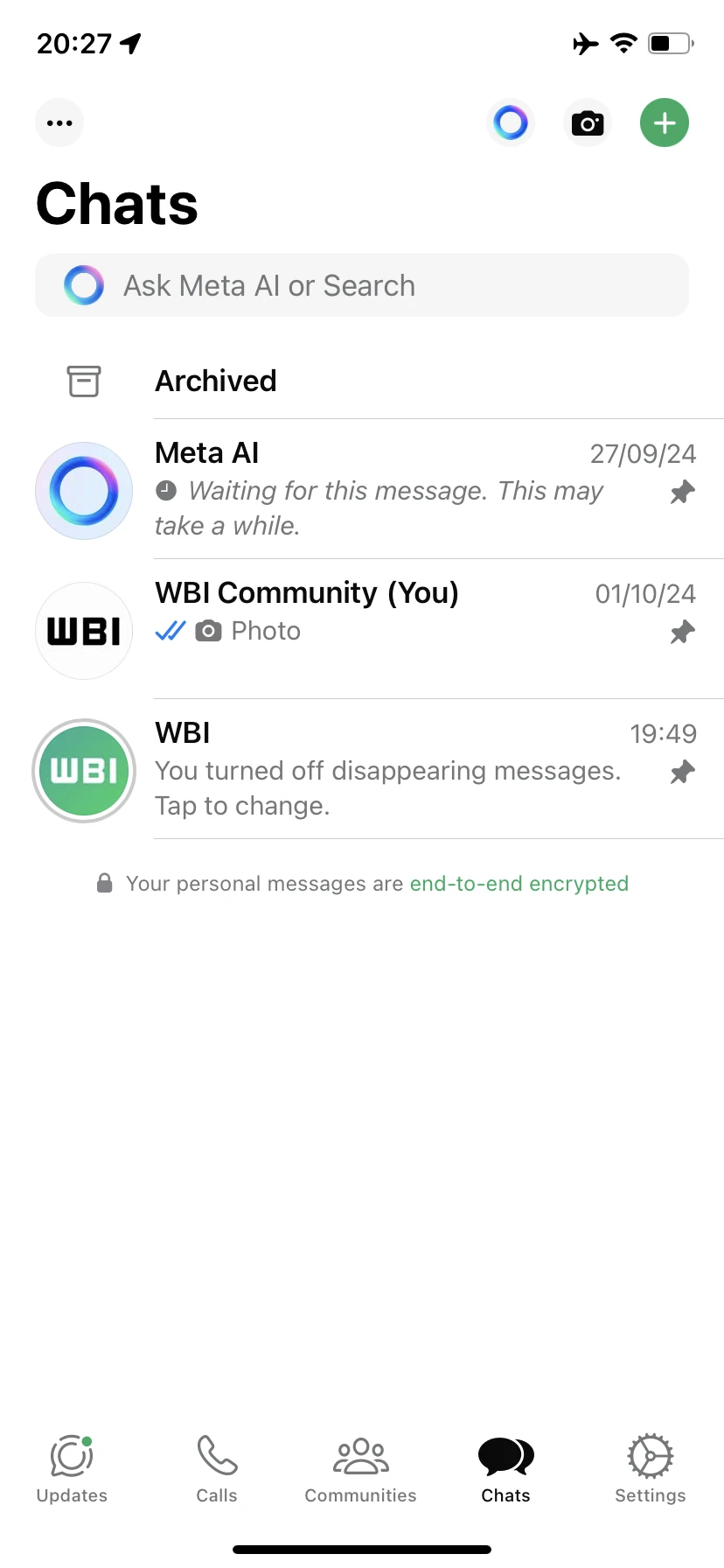
As you can see from the attached screenshot, some beta testers can now explore a similar feature on iOS, allowing them to view previously seen status updates directly from the chats tab. In previous versions of WhatsApp, the status update ring around a contact's profile picture in the chats tab would disappear once the user had viewed the status. This meant that users had to navigate back to the Status section to revisit the update if needed. However, with this new feature, WhatsApp keeps the ring visible in the chats tab even after a status has been viewed, turning it grey to indicate that the update has already been seen. This subtle yet impactful change provides a more convenient way for users to revisit status updates they have already interacted with, without the extra step of switching tabs.
The ability to revisit previously seen status updates directly from the chats tab saves time and improves interactions with status updates. Users can simply tap the grey ring to view the status again, making it easier to refer back to important updates or content they may want to see again. This is particularly useful in scenarios where users need to follow up on a status update they have already viewed, such as to send a reply or engage with the content in a more thoughtful manner.
It is important to note that some users who install the latest version from the App Store might also be able to experiment with this feature, as it has been rolling out for specific people over the past few weeks, indicating that the rollout is expanding beyond just beta testers. As a result, this broader availability suggests that WhatsApp is moving towards a more comprehensive implementation of the feature for all iOS users.
A feature to view previously seen status updates from the chats tab is available to some beta testers who install the latest versions of WhatsApp beta for iOS from the TestFlight app, and it's rolling out to more people over the coming days.
Stay up-to-date on WhatsApp news by following WABetaInfo on X where you can also discover other new features for WhatsApp beta for Android, iOS, Web/Desktop, and Windows.
Do you like this news? Please, let us know on X: we love hearing your feedback! If you're curious to see where you can find WABetaInfo, there is a dedicated page where you can discover our services.
In addition, we have set up a Discord Server where you can chat with other people, get help and advice, and stay up to date with the latest announcements from WABetaInfo.