Two-step verification is a security feature that helps users protect their WhatsApp account from unauthorized access. The two-step verification PIN adds a new layer of defense against phishing attempts, making it harder for anyone else to access your account.
| Key Points | Details |
|---|---|
| Name of the feature: | Two-step verification |
| Category: | Security |
| Availability info: | Two-step verification is available on WhatsApp for iOS and Android. |
| Previous news: | WhatsApp beta adds new Unicode 17.0 emoji support on Android! |
Why protecting your WhatsApp account matters
In today's digital age, securing your personal information has become more important than ever. Millions of people use WhatsApp to send messages, place calls, and share personal info. Cybercriminals are constantly looking for new ways to exploit accounts and steal personal data. WhatsApp has systems to monitor and detect unusual activity on accounts. However, users may still fall victim to attempts to trick them into sharing their 6-digit code. With two-step verification, users can improve their account security by requiring a PIN in addition to the standard verification code.
What's two-step verification?
Two-step verification adds an important layer of security to your WhatsApp account. It can significantly reduce the risk of unauthorized access. Two-step verification requires you to provide two forms of identification before you can access your account. It combines the 6-digit code shared by WhatsApp via SMS, and something only you have: the two-step verification PIN. For WhatsApp, this means the app can only be accessed when both codes are entered. By activating this feature, malicious actors cannot access your account without the PIN you set, even if they get hold of your SIM card or SMS code.
Two-step verification is available in Account settings
Configuring two-step verification is quick and easy, making it accessible for everyone. To start setting up two-step verification, open WhatsApp and go to the settings menu. On Android, the overflow menu in the top app bar includes an entry point to open the app settings. Instead, iOS users have to open the You tab. Here, users will have to open the Account screen. In this section, users will find several account options, including the ability to set up two-step verification.
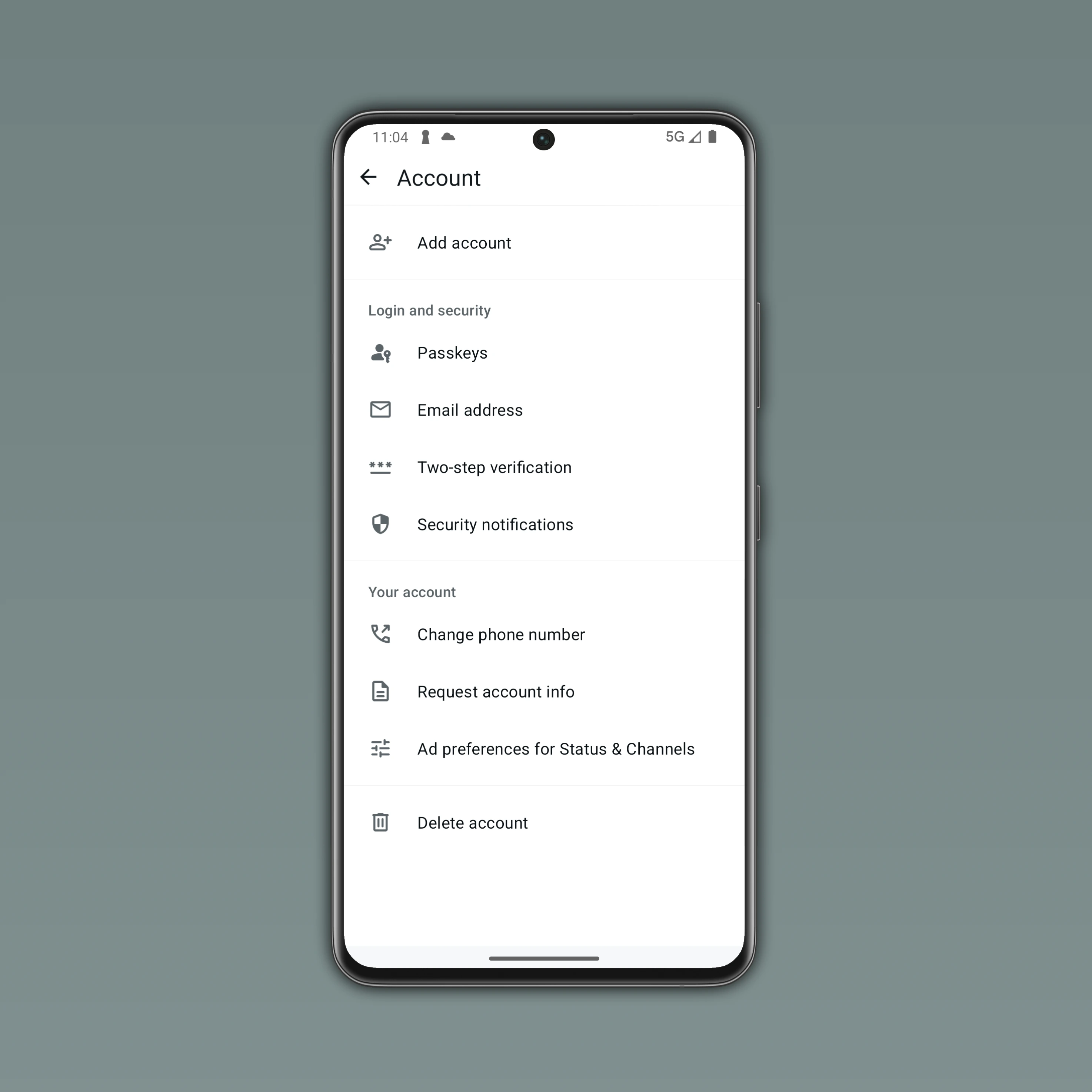
How to configure two-step verification
In the Account section, users must select "Two-step verification" to create a secure PIN for their WhatsApp account. The process will ask users to enter a 6-digit code that works as their personal PIN for verifying access to the account. However, it's very important to choose your PIN cautiously. For example, make sure this PIN is unique and not easily guessable. You shouldn't choose simple sequence such as 123456 or repetitive numbers.
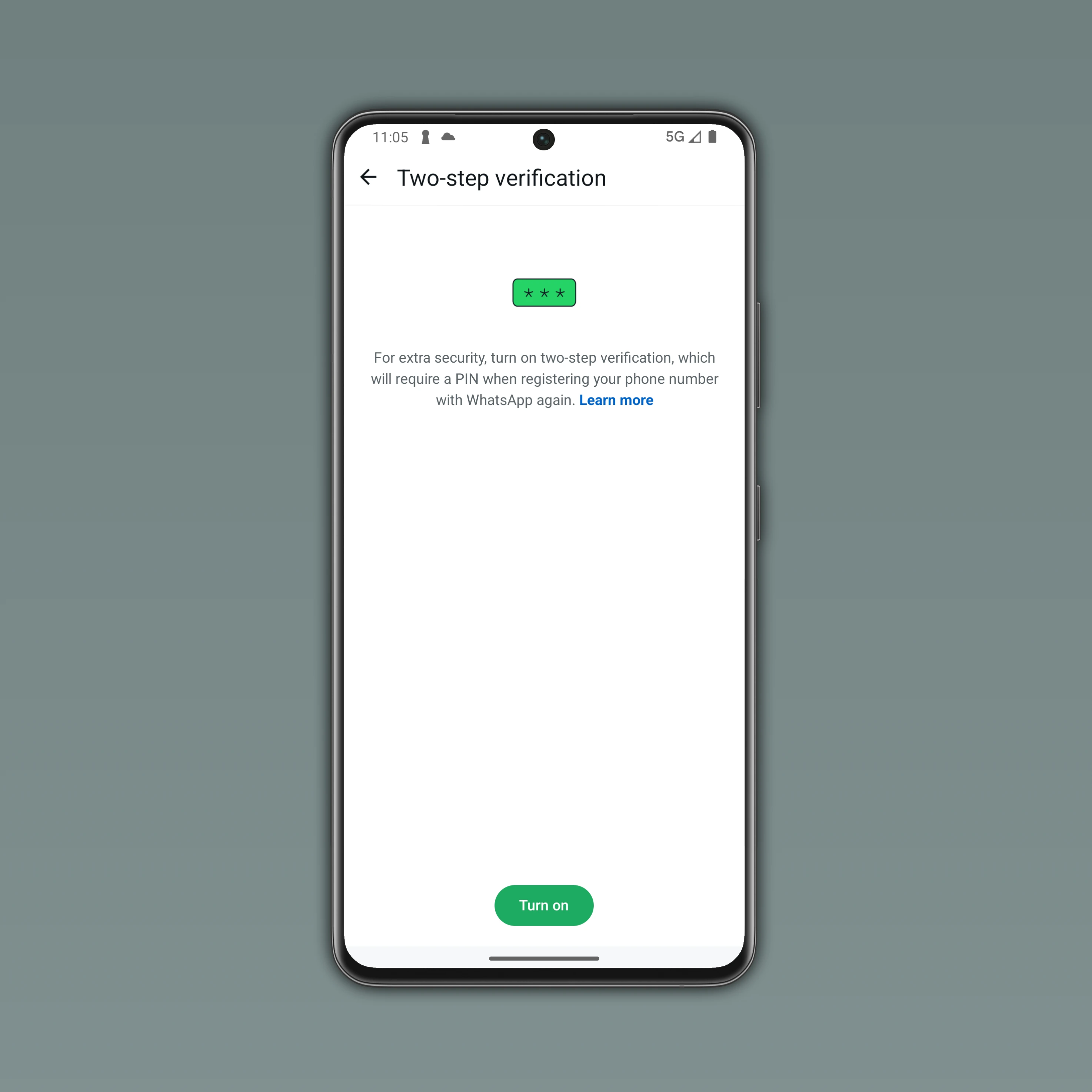
Update your two-step verification PIN
Once your PIN is set, you will need to enter it if you register your phone number on WhatsApp again. Additionally, WhatsApp may ask you to provide an email address. Your email address is designed to provide a recovery option in case you forget your PIN. This will ensure you do not get locked out of your account permanently. Note that users can turn off two-step verification or update the PIN at anytime.
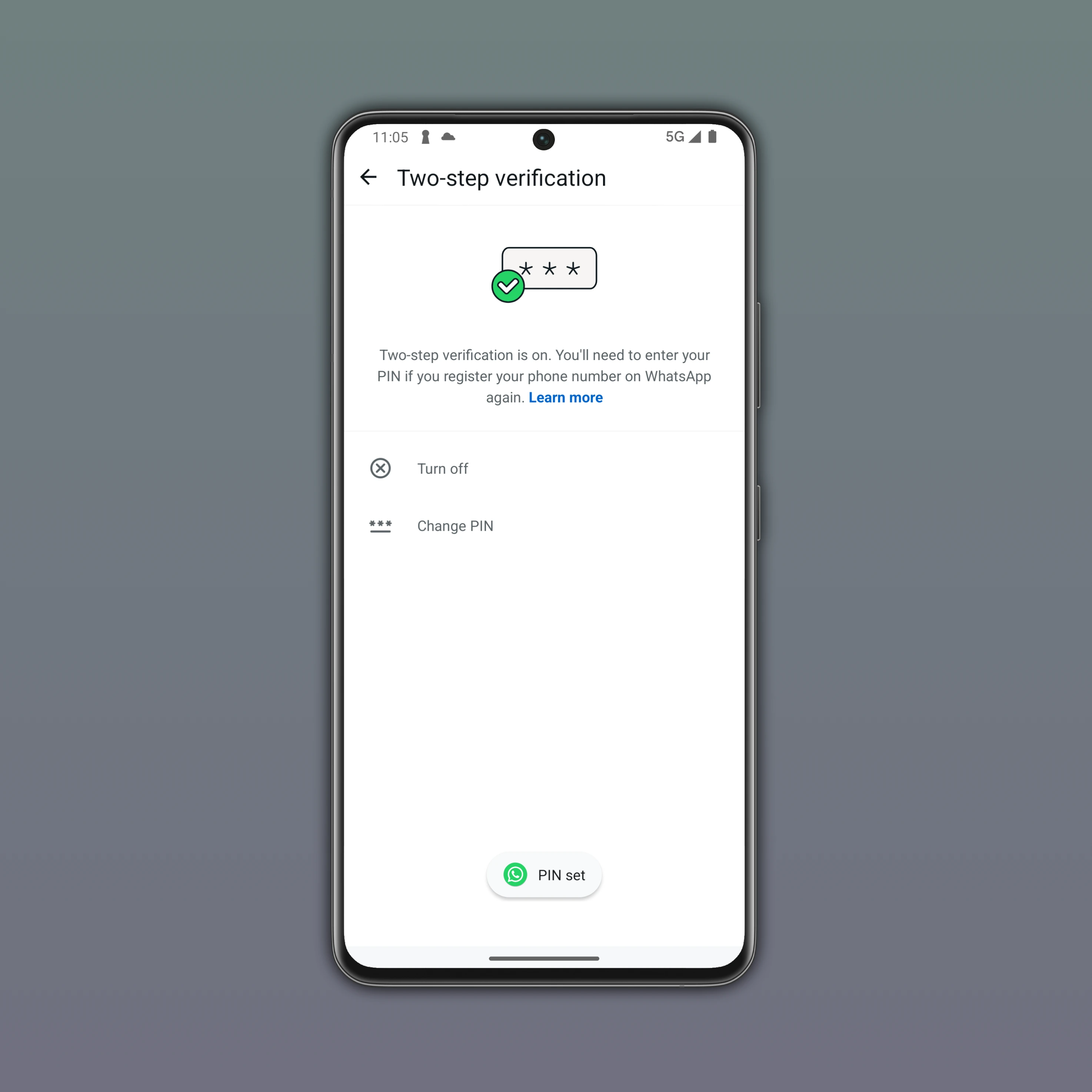
Enhancing digital safety through simple security measures
Enabling two-step verification makes it harder for malicious actors to hack your account. Even if they manage to clone your SIM card or intercept your SMS verification code, they would still be unable to log in without the PIN. While two-step verification improves your account security, users should also follow best practices to maximize protection. For example, always use a strong, unique PIN and avoid sharing it with anyone. Users should also review the email associated with their account regularly to ensure the recovery option remains accessible. Users must be cautious of any phishing attempts, even if they come from trusted contacts, as attackers may try to trick them into revealing their PIN or other personal information.
Two-step verification is optional, but essential for securing your account
Although activating two-step verification is optional, protecting your WhatsApp account is no longer a choice. Two-step verification is a simple and effective way to protect your account. As a result, you ensure that only you can verify and access your account. By taking the time to enable this feature, choosing a strong PIN, and keeping recovery options up to date, users can improve their digital security.
Stay Connected with WABetaInfo
Follow WABetaInfo on X to stay informed about new features and updates. We love hearing your feedback, so please let us know what you think! You can also visit our About page to explore all our services and keep up with the latest announcements.